
Free Salesforce audit
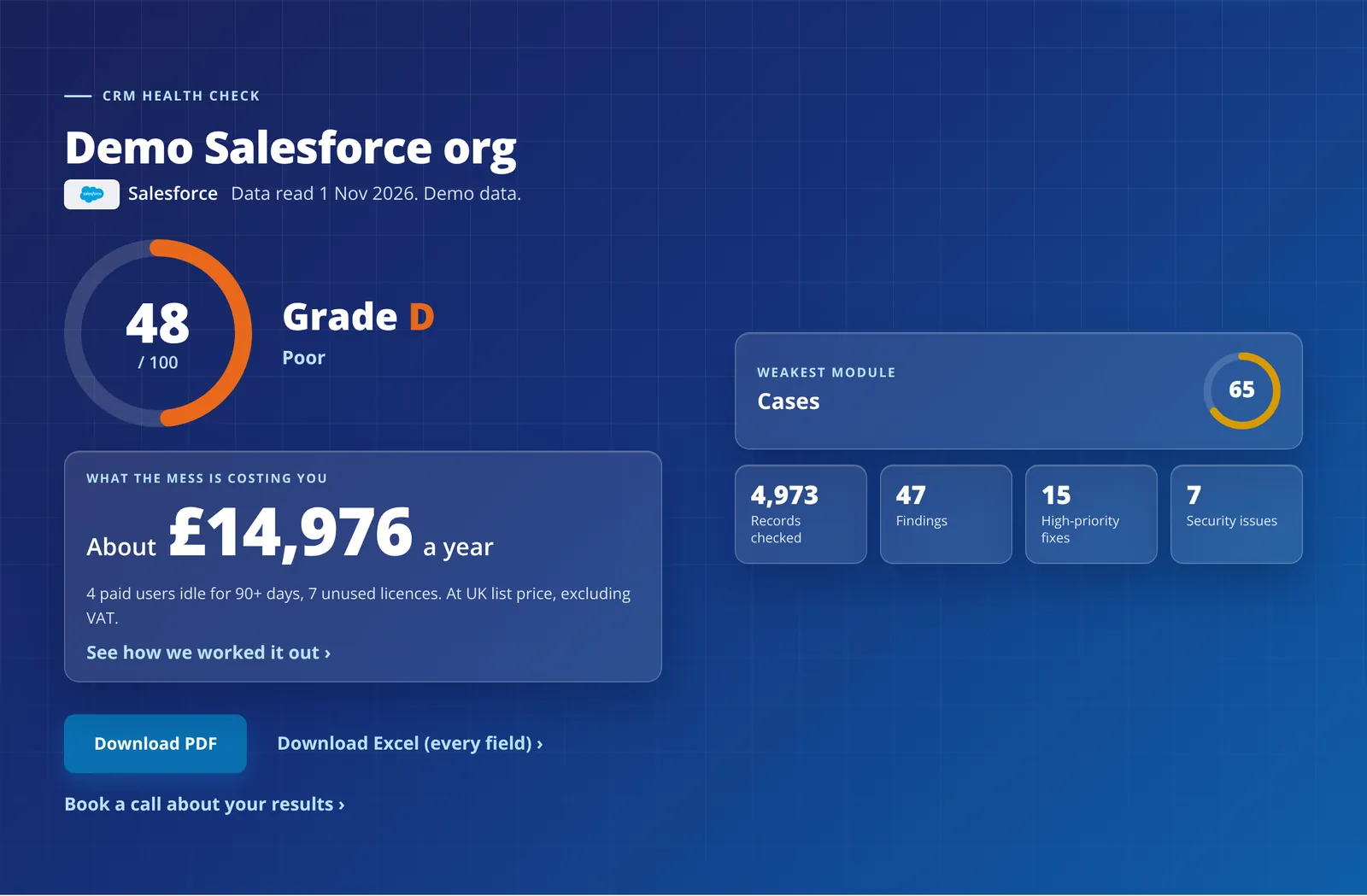
Sign in with a Salesforce administrator account (Modify All Data) and the audit reads your org without changing anything. You get a score out of 100, a grade for every object in use and a list of fixes in priority order.
- Read-only
- Free
- Production and sandbox
- Every record read
Everything an administrator can see
- Users, profiles and permission sets, including who has Modify All Data or View All Data.
- Every standard business object and custom object in use, with every field and every record. Objects with more than 2,000 records are read with Bulk API 2.0 query jobs.
- Flows, Process Builder, workflow rules, Apex triggers and approval processes. Apex code is never read.
- When each report was last run and each dashboard last viewed.
- Licences, last log-in dates and add-on licences.
- Who created and last changed each record and note (ids and dates only), required fields, validation rules (how many, never the formula), Salesforce's own Health Check and your storage and daily API limits.
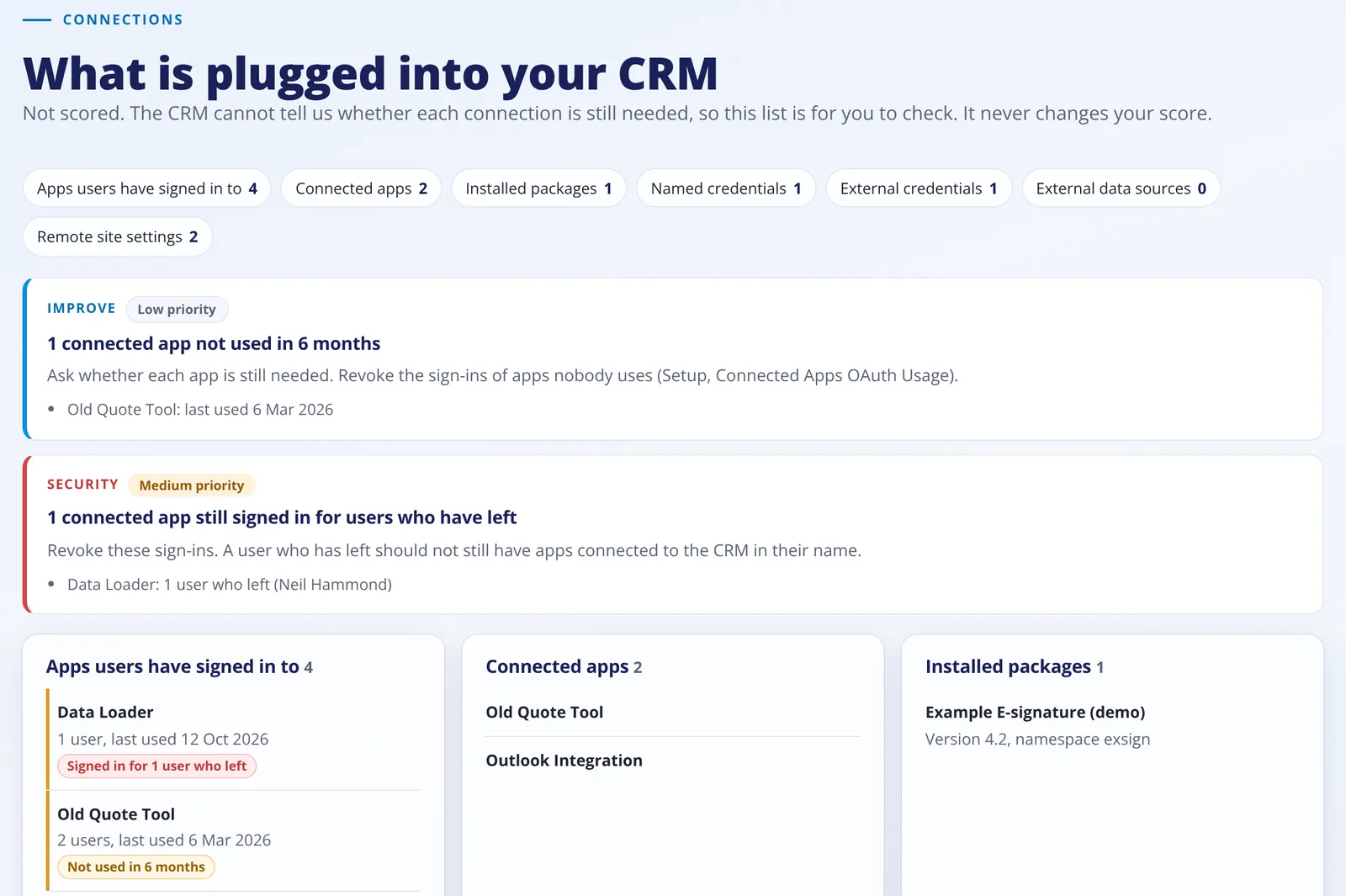
- Apps users have signed in to, connected apps, installed packages, named credentials and remote site settings.
The problems that cost sales users time
Duplicates
Leads, contacts and accounts that share a name, email or phone. An opportunity counts as a duplicate only when its name, account, amount and close date all match another one.
Pipeline
Open opportunities with no update in 90 days, past their close date or with no amount. Stages nobody uses and opportunities on stages that are switched off, with closed and won taken from your own stage list.
Automations
Flows, Process Builder, workflow rules, Apex triggers and approval processes on one map, with automations switched off, two changing the same field at the same moment and approval processes not run in 12 months.
Reports and dashboards
Reports not run and dashboards not viewed in 6 or 12 months.
Licences
Paid users who have not logged in for 90 days, paid licences nobody is using, and what both cost a year.
User activity
Records each user created or changed in 30 and 90 days, next to their last log-in. Users who log in but never create or change anything are flagged.
Unsupported automations
Switched-on workflow rules and Process Builder processes, which Salesforce stopped supporting on 31 December 2025, with a nudge to move them to Flow.
Key fields
Lead Source, Email or Phone, Amount, Close Date, Stage and Account when they are often empty and not required, plus objects with no validation rules.
Health Check and limits
Salesforce's own Health Check score and its high and medium risk settings, shown apart from our score, and data storage, file storage and daily API use over 80%.
Sales health
Win rate overall and per sales user, days to win or lose, days in the current stage, lead conversion and days to the first follow-up. Never scored.
Who can see what
Objects whose org-wide default lets every user see and edit every record, with the record count. Opportunities, Contacts and Accounts count most.
Templates
Classic email templates not used in 12 months, or never. Lightning templates have no last-used date, so they are not flagged.
Connections
Apps nobody has used in 6 months, and apps still signed in for people who have left.
Permissions
How many users can modify or view all data, through their profile or a permission set.
Why Salesforce asks for API access
- Salesforce has no read-only permission for apps. So the audit asks for API access (the api scope) and no other scope.
- The code only sends read requests: queries, field lists and Bulk API query jobs. It never creates, edits or deletes anything.
- It never asks for a refresh token, so the sign-in cannot be used again later. The token is cancelled when the audit ends.
Any org you run
- Production orgs sign in at login.salesforce.com and sandboxes at test.salesforce.com. Pick which one on the next screen.
What Salesforce does not give us
When Salesforce does not give something, the report says so. Nothing is guessed.
- Which stages belong to each sales process. Salesforce only gives this through its Metadata API, which the audit does not use.
- When flows, Process Builder, workflow rules and Apex triggers last ran.
- Archived tasks and events (Salesforce archives activities older than a year).
- Data and file storage, unless the person signing in has the Manage Users permission.
Keep reading
See your score today
Fill in a short form, connect your Zoho CRM or Salesforce and get your report in minutes.